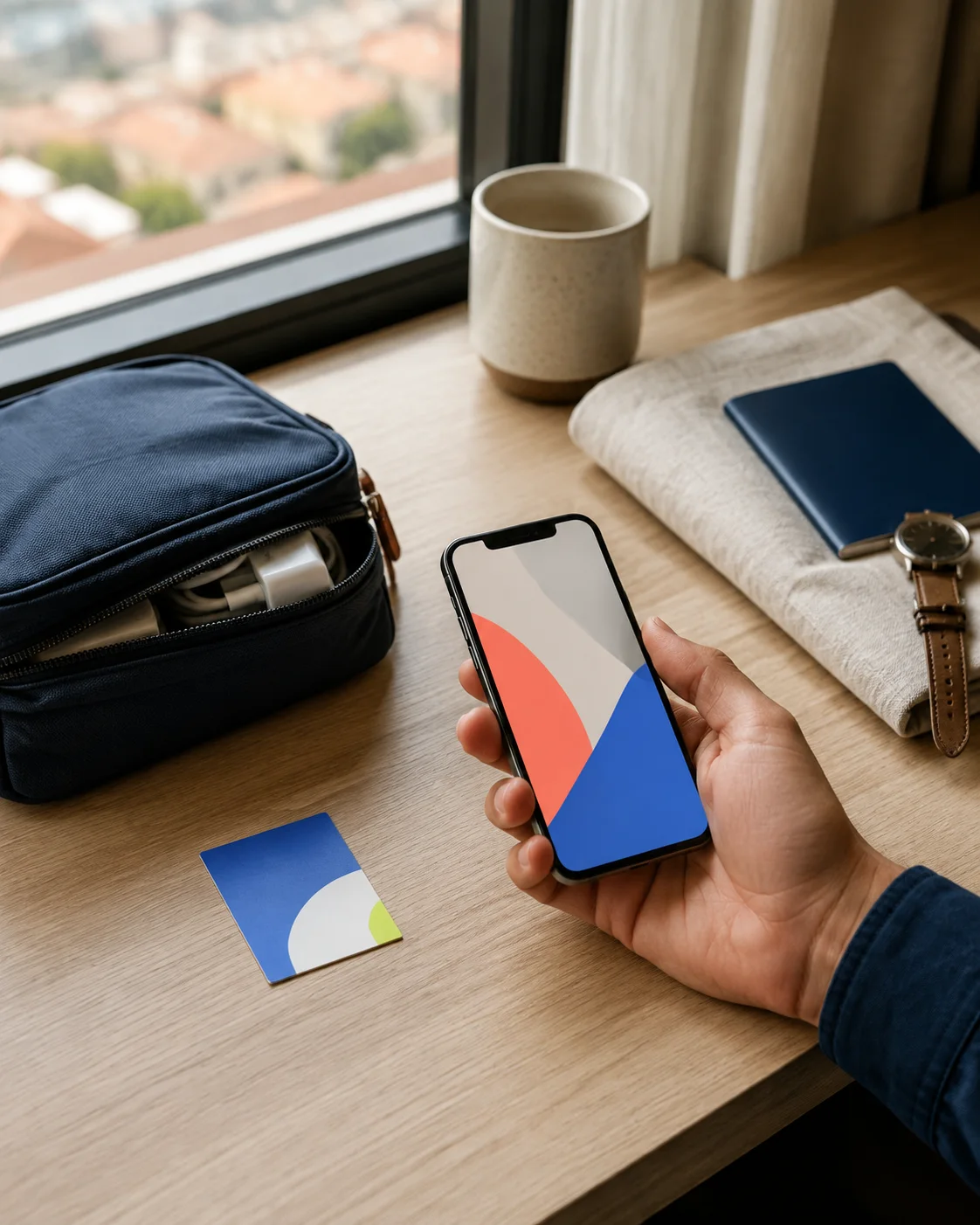
How to install an eSIM without the airport panic.
The complete sequence for iPhone and Android: what to check before buying, how to install over Wi‑Fi, and which line should handle data when you land.
Read the full guide01 The guide library
Short, device-specific routes through eSIM setup. Start with the universal guide, then use the iPhone, Android or troubleshooting path when you need the exact taps.
The complete sequence for iPhone and Android: what to check before buying, how to install over Wi‑Fi, and which line should handle data when you land.
Read the full guide02 Choose your route
These are the first long-tail answers in the kit. More destination guides come after the core setup routes are solid.
Use Wi‑Fi, add the plan, label the line and keep your home number safe.
Pixel and Samsung menu names, QR setup and the mobile data switch that matters.
A safe order for no service, no data or a plan that will not activate.
03 The practical library
Setup, transfer, travel and recovery routes built around the exact moment when an eSIM user needs an answer.
Install the profile, turn on the right line and understand when activation actually happens.
Pixel and Samsung routes, activation timing and the data setting that matters abroad.
What Quick Transfer can do, what it cannot, and how to verify service before erasing the old phone.
A carrier-aware checklist for moving a plan without losing access to the old device too early.
Separate the phone move from the carrier reissue, with checks for both directions.
Know whether you are converting your number or adding a separate travel data plan.
Choose the data line, keep your home number safe and avoid surprise roaming charges.
Use the exact model, EID and carrier checks before buying a plan.
Find the carrier-lock setting and understand why it can block a travel eSIM.
Remove an old profile carefully and learn when turning a line off is safer.
Pause a line without deleting its profile, then turn it back on when the trip needs it.
04 Editorial rule
Every guide is built around one search intent, one decision and one next action. We keep provider claims separate from the device steps.
iPhone, Pixel and Samsung steps stay in their own lanes.
Install on Wi‑Fi, protect your home line, then switch data.
When provider links arrive, we will label them before you click.