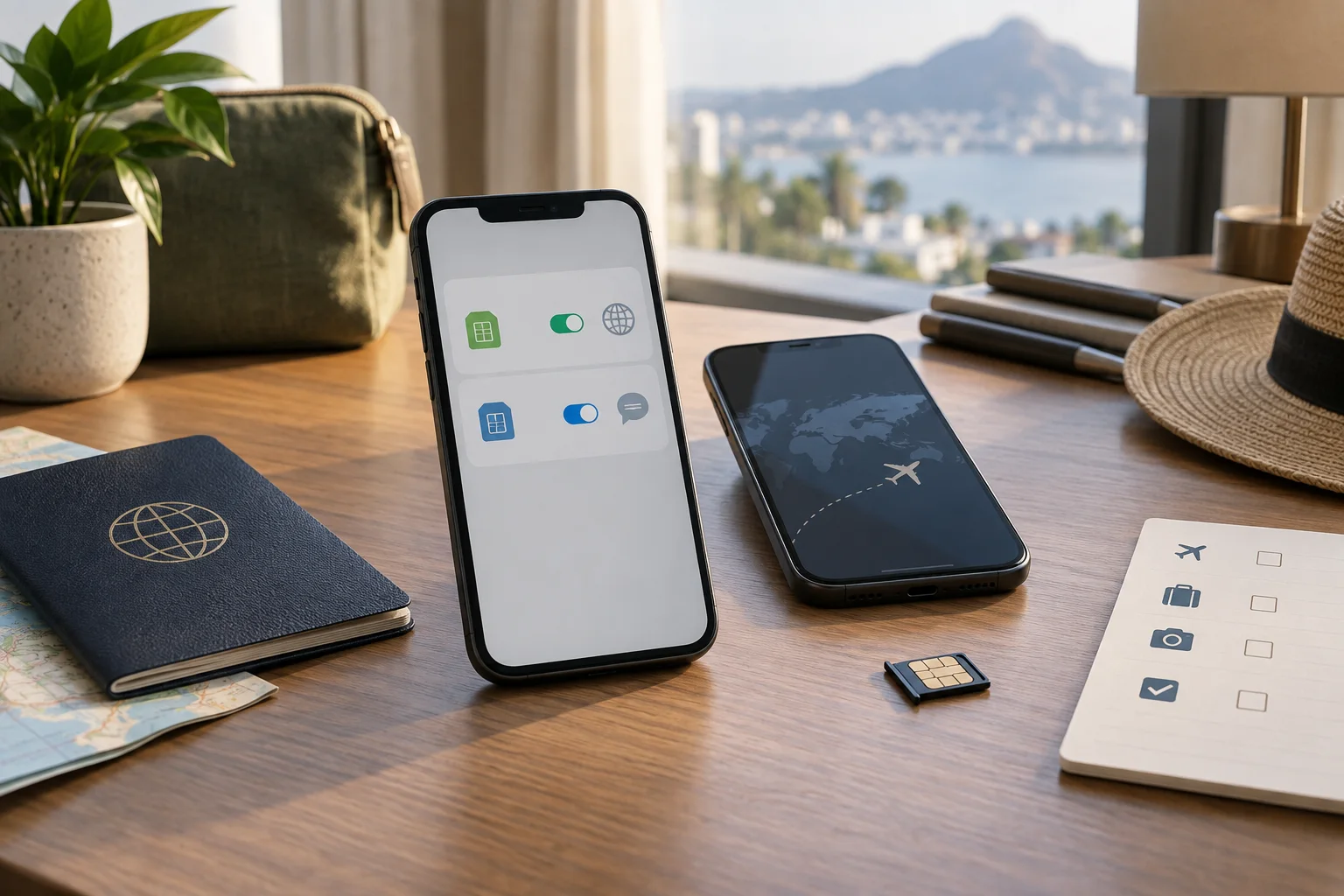
Can an eSIM receive SMS? Yes, but the word “eSIM” describes how a mobile profile is stored, not which services the plan includes. An eSIM line can have a phone number and ordinary SMS, or it can be a data-only travel plan with no number at all. The distinction matters when you need a bank code, a delivery text or a message from your home carrier abroad.
An eSIM receives SMS when its line includes a number and SMS service, or when your home number remains active on another SIM or eSIM in the phone. Many travel eSIMs are data-only: they can provide internet for WhatsApp, iMessage or other apps, but they do not create a new SMS inbox. Confirm the plan terms and your home carrier's roaming conditions before travel.
“eSIM” can mean two different travel setups
When travelers ask whether an eSIM can receive text messages, they often mean one of two arrangements:
- A number-bearing line: a carrier or plan assigns a phone number and supports voice or SMS. That line can receive ordinary texts subject to its coverage and terms.
- A data-only travel line: a prepaid profile connects to mobile data but does not provide a phone number, voice service or carrier SMS inbox.
Both profiles can be eSIMs. The storage method does not tell you whether a plan includes a number. Read the product description for “data-only”, “voice”, “SMS”, “local number”, incoming-message charges and supported countries.
What a data-only travel eSIM can and cannot do
A data-only travel eSIM can carry internet traffic. That is enough for messaging apps, email, maps, ride apps and services that verify inside the app. It does not, by itself, receive an SMS sent to your home phone number or invent a local number for a bank to text.
App messages and SMS are different channels. iMessage, RCS and similar services may work over the travel data connection when the device and account are configured for them, but an ordinary carrier text still belongs to a phone-number line. A data plan can therefore keep you connected to a chat app while a bank code waits on the home line.
If you need voice or SMS from the travel plan, choose a plan that explicitly includes those features and check whether it provides a local number, what incoming use costs and which countries are supported. Do not infer those features from the fact that the plan is sold as an eSIM.
Keeping your home number while travelling
A common setup is to keep the home SIM or eSIM active for the number and use a separate travel eSIM for mobile data. Whether this works depends on the phone, the carrier and the settings. If the home line is allowed to register on a partner network, it may receive ordinary SMS; your carrier may still charge for roaming calls, texts or data.
Before departure, ask the home carrier specifically about incoming SMS, short codes, bank messages, voicemail and roaming. “Incoming texts are free” in one market does not prove that every service or every country behaves the same way. If roaming costs are a concern, turn off data roaming on the home line, make the travel eSIM the data line and disable automatic data switching where your phone offers that control.
Do not delete the home profile just because you installed a travel eSIM. Keep the original line until you have confirmed the account access and recovery methods you need. For the general setup sequence, see our guide to using an eSIM for travel.
What happens on iPhone?
Apple's Dual SIM help explains that, on compatible setups, both numbers can send and receive iMessage, SMS and MMS, with RCS available where supported. That does not turn a data-only travel plan into an SMS line: the number-bearing home line still needs to be active and allowed to connect for ordinary texts.
iPhone uses one mobile data network at a time. Choose the travel eSIM as the mobile data line, review the home line's data-roaming setting and keep the home number available only for the communication you intend to use. iMessage can use travel data, while an SMS fallback or a carrier verification message may need the home line.
Menu labels can vary by iOS version and carrier. Start with the exact device path in our iPhone eSIM setup guide, then verify a small test before the trip rather than changing every setting at the airport.
What happens on Android and Google Pixel?
Google's Pixel Dual SIM help explains that compatible Pixel phones can use physical SIM and eSIM combinations, while newer models and carriers may support two eSIM profiles. The exact options depend on the model, region and operator.
On Pixel, the SIM settings let you choose which line handles mobile data, calls and texts. Choose the travel eSIM for data only when that is what the plan supplies. Keep the home line selected for texts if you need its number and the carrier supports service in the destination. As on iPhone, one default data SIM is selected at a time, and the home line can still generate roaming charges if it is used.
Samsung and other Android phones use different menu names, so use the phone's current SIM manager rather than copying a Pixel path. Our Android installation guide covers the profile setup, while the plan terms decide whether SMS exists on the travel line.
Bank codes, 2FA and other verification texts
If access to a bank, email account or booking depends on SMS, test the recovery route before flying. A data-only travel eSIM will not receive a text sent to your home number. Your home line may receive it if the carrier allows registration abroad, but roaming, short-code, anti-fraud or account rules can interrupt the message.
Identify the number
Write down which line owns the number used by the service. Do not assume the newly installed travel profile has replaced it.
Check another recovery method
Where the service offers an authenticator app, passkey, recovery code or email, set it up before the trip rather than relying on a single SMS route.
Test the line and costs
Confirm the home carrier's international SMS conditions and make a small test if appropriate. Keep the home line active until the recovery path is verified.
Never share a verification code with someone who asks for it by phone or chat. A travel eSIM can improve data access, but it does not remove the usual account-security risks.
Can eSIM receive SMS? A pre-travel checklist
| Question | What to confirm |
|---|---|
| Does the travel plan have a number? | Data-only versus voice/SMS, local number, incoming-message terms and supported countries. |
| Which line owns my usual number? | Home SIM or eSIM, and whether it remains active after the travel profile is installed. |
| Which line handles data? | Travel eSIM selected for mobile data, with automatic data switching controlled. |
| Can the home line roam? | Incoming SMS, short codes, calls, voicemail, data roaming and possible charges. |
| What if SMS fails? | Authenticator, passkey, recovery code or support route prepared before departure. |
| Does the phone support the setup? | Exact model, regional version, eSIM support, carrier unlock and dual-SIM limits. |
The practical answer to “can eSIM receive SMS?” is therefore: check the service attached to the specific line. Use the travel eSIM for data when it is data-only, keep the home number available when you need its texts and confirm the carrier costs before you leave.
eSIM and SMS FAQ
Can an eSIM receive SMS?
Yes, an eSIM can receive SMS when the eSIM line itself includes a phone number and SMS service, or when your home number remains active on another SIM or eSIM line. Many travel eSIMs are data-only, so they do not provide an SMS inbox of their own.
Can a data-only travel eSIM receive bank verification texts?
Usually not through the travel eSIM itself because a data-only plan normally has no phone number or carrier SMS service. A bank code may arrive on your home line if that line stays active and your carrier allows the service abroad; roaming or short-code rules can still apply.
Can I keep my home number while using a travel eSIM?
Often, a compatible dual-SIM phone can keep the home line available for selected calls or SMS while the travel eSIM supplies mobile data. The exact result depends on the phone, home carrier and line settings, and home-line roaming charges may apply.
Does iMessage work with a data-only travel eSIM?
iMessage can use the travel eSIM's data connection, but the phone-number identity and SMS or MMS fallback are separate settings. Keep the home line available if you need ordinary texts or number-based verification, and check the carrier terms.
Can Android receive SMS with two SIMs or eSIMs?
A dual-SIM Android phone can receive SMS on an active line that includes SMS service, subject to the carrier and device. On Google Pixel, the SIM settings let you choose the default line for data, calls and texts; the available options depend on the model and operator.
Reviewed September 15, 2026. Device references: Apple Dual SIM support and Google Pixel Dual SIM support. Setup context: using an eSIM for travel.