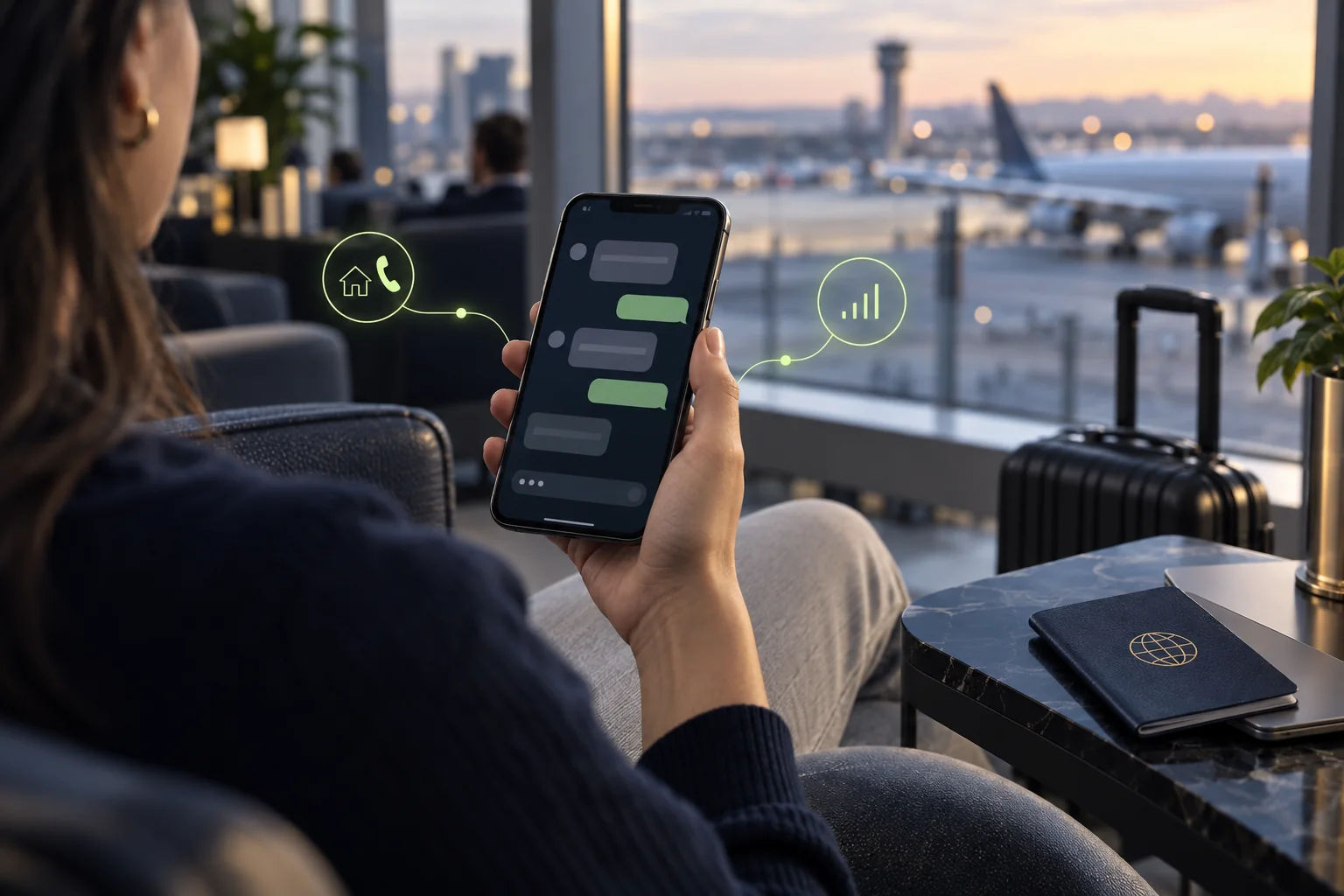
Can you use WhatsApp with an eSIM? In most ordinary travel setups, yes: keep the WhatsApp account already registered on your phone and use a travel eSIM for internet. WhatsApp is tied to the phone number used to register the account; the SIM or eSIM selected for mobile data is a separate phone setting. A data-only travel plan does not automatically give you a new WhatsApp number.
Install the travel eSIM and select it for mobile data if your phone and plan support that setup. Leave WhatsApp registered to your usual number. Do not choose “Change number” just because you added a travel eSIM, and check your home carrier’s roaming terms if you keep that line active for calls or SMS.
Your WhatsApp account and data line are different
Three things are easy to mix up: the number registered to your WhatsApp account, the SIM or eSIM line assigned to mobile data, and the phone line used for ordinary calls or carrier SMS. They can be connected in different ways. A travel eSIM can carry internet traffic for WhatsApp while your account stays registered to the home number you already use.
That distinction matters because many travel eSIMs provide data only. The plan may let apps connect to the internet without supplying a phone number, voice service or SMS inbox. WhatsApp messages and calls use an internet connection; a bank verification text or a normal carrier SMS belongs to a phone-number line. For that separate SMS question, see our guide to eSIMs and SMS.
WhatsApp’s help information treats the registered phone number as part of the account. Adding another data profile does not itself transfer the account. If you mean to move WhatsApp to a different number, use the app’s account change-number process and follow its verification steps deliberately. Do not make that change just to switch the internet connection while travelling.
Before leaving home
- Check that your phone supports eSIM and is unlocked for the travel network you plan to use.
- Confirm whether the travel plan is data-only and which destination networks it can use.
- Install the eSIM using the provider’s instructions while you have reliable Wi-Fi, if the plan’s activation rules allow it.
- Keep access to the number registered to WhatsApp in case the app asks you to verify the account again.
- Check whether your home carrier charges for roaming calls, texts or data, and decide whether to leave the home line active.
- Make sure your usual WhatsApp chats and account access are available before you change phones or reinstall the app.
Do not delete your home eSIM simply because the travel profile is installed. If it is your registered number, losing access to it can make a later verification or account recovery harder. A second SIM profile and a second WhatsApp account are different decisions.
Set up the data line on iPhone
On supported iPhone models, Apple’s Dual SIM guide explains how to use a home line alongside a travel eSIM and choose the line used for cellular data. iPhone uses one cellular-data network at a time, so choose the travel line for data when that is the plan you intend to use. The precise options depend on the model, carrier and iOS version.
Before travelling, open Cellular settings and identify each line by a label you recognise, such as “Home” and “Travel”. Choose the travel eSIM for cellular data and review data roaming and automatic switching settings for both lines. If you leave the home line active so it can receive calls or texts, ask your carrier what that can cost; the eSIM does not waive the home plan’s terms. Apple also notes that device compatibility, carrier unlocking and plan support affect dual-SIM use. [Apple Dual SIM with eSIM]
After the travel line connects, open WhatsApp on the same phone as usual. You should not need to register a different account just because internet now comes through another line. If the app asks you to confirm a phone number unexpectedly, stop and check whether you started an account transfer or reinstall.
Set up the data line on Android
Android menus and dual-SIM behaviour vary by manufacturer, phone model, software version and carrier. Look for the device’s SIM, mobile-network or connections settings, then identify the home and travel profiles and choose which line supplies mobile data. The exact labels are not the same on every phone, and some models limit which combinations of physical SIM and eSIM can stay active.
If you keep the home number available, confirm that the device lets you leave that line on while assigning mobile data to the travel eSIM. Check the home line’s roaming options and ask the carrier about incoming SMS, short codes and calls. Avoid assuming that a data-only travel plan supports regular cellular calls or SMS. WhatsApp can use the selected internet connection, subject to app, network and regional availability.
At your destination
When you are ready to use the plan, turn on the travel line and select it for mobile data in your phone’s SIM settings. Connect to a local network according to the plan instructions, then check that a web page loads before troubleshooting WhatsApp. Send a brief message to someone you know or use a chat you already trust. A working data connection should be enough for app messaging; it does not prove that the home line has carrier SMS service.
Keep an eye on the line labels when making a voice call or sending a normal text. Depending on the phone, you may choose a default line or select one for an individual call. WhatsApp voice and video calls use data and may consume more of a limited plan than text messages. The plan’s allowance, network quality and app availability determine what works.
If WhatsApp stops working
- No messages send: test mobile data in a browser, check that the travel eSIM is enabled and confirm the plan has activated in the correct destination.
- Data works but WhatsApp does not: check app connectivity, permissions, account state and any network restrictions. Do not delete or reinstall the app as a first step.
- The app requests a code: verify that the request came from the WhatsApp app you opened. You may need access to the number already registered to the account; the travel data line may not receive its SMS.
- You want to change your number: use WhatsApp’s change-number process only when you intend to transfer the account to a different number. Check the official instructions first.
- You worry about roaming: check the home carrier’s terms and turn off the home line’s data roaming if you do not want it to use mobile data.
Never share a verification code with someone who contacts you. If you are changing phones, numbers or account access, read WhatsApp’s official guidance before removing the profile tied to your registered number.
WhatsApp and eSIM FAQ
Can I use WhatsApp with a data-only travel eSIM?
Usually, if the travel eSIM provides working mobile data and WhatsApp remains set up on your phone. The travel plan supplies internet; it does not need to provide the number already registered to your WhatsApp account.
Will installing a travel eSIM change my WhatsApp number?
No. Installing a second mobile-data profile does not by itself change the number registered in WhatsApp. Use the app’s change-number process only if you intend to move the account to a different number.
Can I turn off my home SIM and still use WhatsApp?
An existing WhatsApp account can use an internet connection from another SIM or Wi-Fi, but reinstalling the app, setting up a new phone or being asked to verify may require access to the number registered to the account.
Do WhatsApp calls use the travel eSIM?
WhatsApp calls use an internet connection, so they may use the travel eSIM when it is selected for mobile data. Availability and any data charges depend on the plan, device, network and location.
Can my home carrier charge me while I use a travel eSIM?
Possibly. Keeping the home line active can involve roaming terms or fees for calls, texts or other use. Check with the carrier and select the travel line for data before relying on the setup.
Sources
- About using multiple phone numbers or accounts on WhatsApp.
- WhatsApp Help Center: how to change your phone number.
- Apple Support: using Dual SIM with an eSIM.
Checked September 24, 2026. Phone menus, plan features, network access and carrier charges vary; follow the current instructions for your own device and line.
A travel eSIM can provide the internet connection for the WhatsApp account you already use. Keep account registration, cellular data and carrier SMS as separate settings.