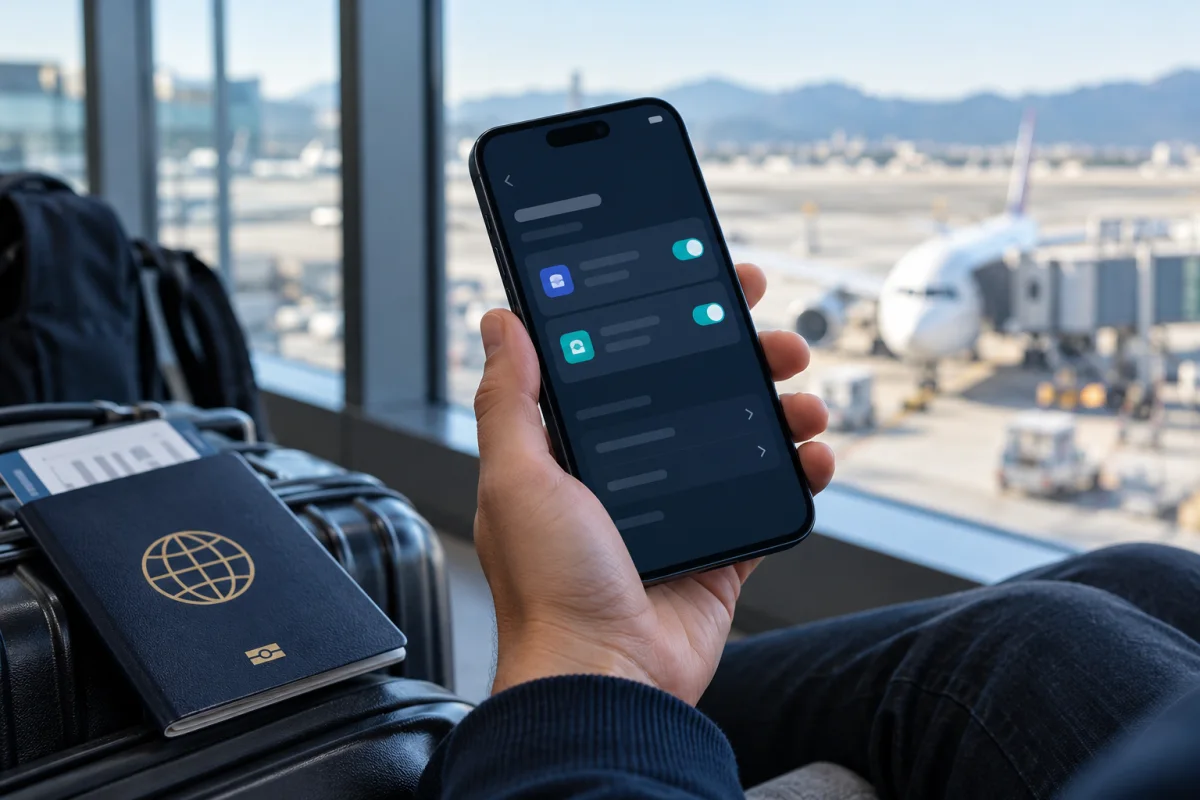
An iPhone 17 can store eight or more eSIM profiles and use two eSIMs at the same time, according to Apple’s iPhone 17 specifications. “Stored” means a profile is saved on the phone; “active” means the line is enabled for cellular service. Saving more profiles does not mean that all of them can connect at once.
Apple’s iPhone 17 technical specifications list Dual eSIM, two active eSIMs and storage for eight or more eSIMs. Apple also says the iPhone 17 covered by those specifications is activated with an eSIM and does not support a physical SIM card. Check Apple’s model and regional information before relying on that for a different market.
Stored eSIMs and active eSIMs are different
Think of saved profiles as plans available to switch between, and active lines as the small number the phone can use at one time.
| Term | What it means |
|---|---|
| Stored eSIM | A carrier profile installed on the phone and available in cellular settings. |
| Active eSIM | A line switched on so the phone can use its service. |
| Cellular data line | The one line currently selected to provide mobile data. |
For the iPhone 17, Apple specifies two active eSIMs. The iPhone can use one cellular data network at a time even when Dual SIM is set up. This helps explain why “two active lines” does not mean that mobile data travels through both lines simultaneously.
What does “eight or more” mean in practice?
Apple describes the storage capacity as eight or more eSIMs, not as exactly eight. The exact number of profiles you can keep may depend on the model and software. Treat Apple’s current device documentation as the authoritative source for the phone in your hand, and check the number shown in its settings rather than treating a forum post as a universal limit.
A profile may remain stored while switched off. You can label travel, work or personal lines so you recognize them, then turn on the line you need. A travel plan’s own activation window and expiry are separate from how long the profile stays saved on the phone.
Deleting an eSIM is not the same as turning it off. Removing a profile can require a fresh installation or help from the carrier to restore it. Before deleting an unused plan, confirm with its provider whether the same QR code or activation method can be used again.
How to check and manage profiles on iPhone
The names of settings can vary slightly between iOS versions and regions, but the usual starting point is Settings → Cellular (or Mobile Data). From there:
- Review the listed SIMs and their labels. An installed profile may appear even when its line is off.
- Open each line to check whether it is enabled and what it is used for.
- Check which line is selected for cellular data.
- Rename your lines clearly if you regularly switch between home, work and travel plans.
- Turn an unwanted line off only after confirming which phone number, text messages or data service depends on it.
- Delete a profile only when you have verified with the provider that you no longer need it and know how to restore it if necessary.
For a new plan, follow the carrier’s installation instructions and keep Wi-Fi available if the instructions require it. Our iPhone eSIM installation guide walks through adding and selecting a travel line. If you are unsure whether a particular handset supports eSIM, first check our eSIM compatibility guide.
Can you use two eSIMs at once?
On iPhone 17, Apple specifies two active eSIMs. Dual SIM can let you keep two lines available, such as a home line and a travel line. Which line handles mobile data is a separate setting, and only one cellular data network is used at a time.
A line being active does not guarantee that it has coverage, a valid plan or permission to roam. Before travelling, verify those details with the carrier or plan provider. Avoid changing multiple cellular settings at once; make one change, then check the line labels and data selection.
Check the regional model before buying or travelling
Phone capabilities can differ by country or region. Apple lists the iPhone 17 covered by its specifications as eSIM-only with no physical SIM support, but do not assume every device sold worldwide has the same SIM tray or carrier support. Check the model identifier, Apple’s regional specifications and the carrier’s eSIM availability before you buy a plan.
A carrier also has to support eSIM activation for the phone and plan. A phone can support eSIM in general while a particular carrier, prepaid plan or country does not support the service you need. Confirm both sides before your trip, ideally while you still have a reliable connection and access to your main line.
FAQ
Can iPhone 17 have more than eight eSIMs?
Apple says iPhone 17 can store eight or more eSIMs. That wording is a minimum capability, not a guaranteed identical limit for every future iPhone or regional variant. Check Apple’s current specs for your exact model.
Can iPhone 17 use three eSIMs at the same time?
Apple’s iPhone 17 specification states that two eSIMs can be active at once. More profiles may be stored, but the storage count does not raise the simultaneous active-line limit.
Can I have two active eSIMs and use data on both?
You can have two active lines, but iPhone uses one cellular data network at a time. Review the cellular-data selection on the phone and your carrier’s conditions for each line.
Does iPhone 17 have a physical SIM card slot?
Apple’s cited iPhone 17 specifications state that the device uses eSIM and is not compatible with physical SIM cards. Confirm the specification for the exact country and model you are buying, because hardware and service availability can vary by region.
Should I delete an old travel eSIM?
Only after you confirm it is no longer needed and know whether the provider will let you install it again. Turning a line off and deleting its profile are different actions.
Sources
- Apple: iPhone 17 technical specifications — stored and active eSIM capability.
- Apple: Set up eSIM on iPhone — carrier requirements, activation and regional caveats.
- Apple: Using Dual SIM with an eSIM — Dual SIM behavior and regional differences.