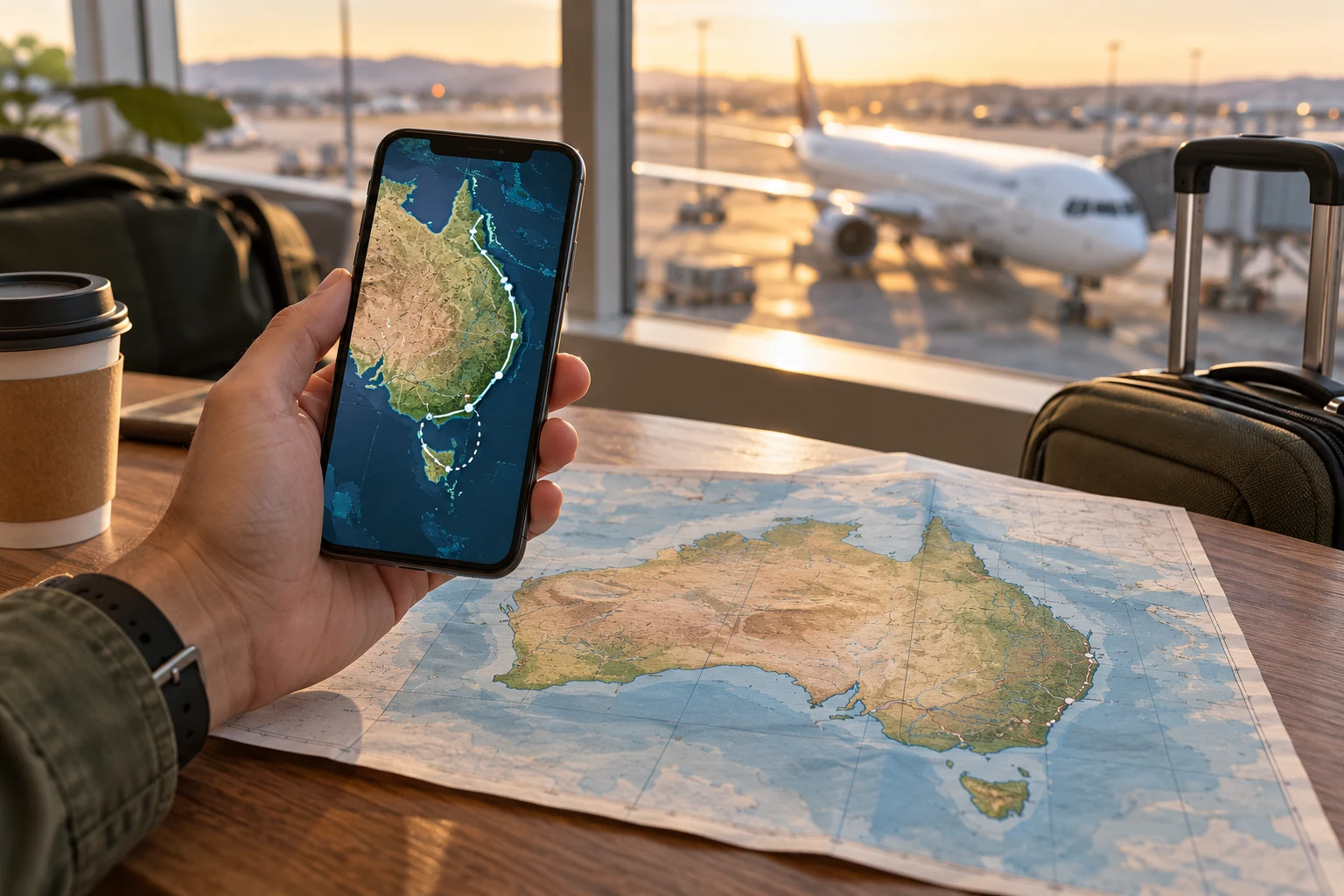
Searching for the best eSIM for Australia travel is a route-and-terms decision. A Sydney stay, a multi-city holiday, a long road leg and a remote stop can need different network checks and data allowances. Compare the exact package and your own itinerary before choosing.
There is no one Australia travel eSIM that is best for every trip. Match a plan’s listed network, total or daily high-speed data, validity and hotspot terms to your route and usage. The provider pages reviewed here show different options: Roamless lists fixed Australia data plans, Airalo’s displayed unlimited example has a daily high-speed threshold, and Holafly’s displayed unlimited plan limits hotspot sharing. Check the exact current terms before paying.
Plan around the Australia itinerary, not only the arrival city
Add airports, transfers, rail or road legs, accommodation, day trips and any location where you need a hotspot. The first city is rarely the whole connectivity question.
| Trip shape | Prioritise | Check before payment |
|---|---|---|
| Sydney, Melbourne, Brisbane or Perth stay | Compare the plan’s total data and validity against your dates and everyday use. | Does the specific offer list a suitable network, activation rule and hotspot allowance? |
| Multi-city flight or rail itinerary | Check each overnight stop and transfer; save tickets and directions offline. | Does the plan remain valid for the full itinerary, including the final travel day? |
| Long drive, regional town or Outback route | Check each town, fuel stop, accommodation and road segment before relying on mobile data. | What do the current carrier maps predict at each point, and does the travel plan list access to that network? |
| Laptop tethering or shared data | Compare the hotspot limit and any daily high-speed threshold, not only the word unlimited. | How much tethering is permitted per day, and what speed or fair-use term follows a threshold? |
For a long Australian road trip, pin the overnight towns and key stops before comparing plans. Check the current Telstra coverage map and Optus coverage map for those points, then confirm which network the exact travel eSIM can use. Carrier maps describe the carrier network; they do not prove that a specific travel plan has access at every mapped location.
Save offline maps, accommodation details and travel documents before leaving a town. If your route continues to New Zealand, compare the country list and data rules separately in our New Zealand travel eSIM guide or international eSIM guide.
Check Australia coverage with current evidence
Australia’s city coverage and remote-road coverage are different questions. The ACMA’s standardized mobile-map rules use predicted 4G/5G coverage categories and require maps to be updated at least every three months. The maps help compare locations, but remain predictions. Telstra says its map predicts outdoor coverage and cannot guarantee service at every point; Optus describes its map as predicted outdoor ground-level coverage for general guidance, not a guarantee.
The Roamless Australia page currently lists Telstra 4G and Optus 4G/5G as available networks for its offer. That is the provider’s published network listing, not proof of nationwide access or a promise of 5G on your route. The eSIM, selected plan, compatible device, buildings, terrain and network conditions all matter. Check the destination details in the provider app and the exact plan terms before departure.
For a remote or safety-critical leg, download navigation and emergency details ahead of time and plan around possible no-service areas. A carrier map or a 5G label cannot guarantee a connection in a vehicle, indoors or at a specific stop.
Compare data, validity and hotspot terms
Estimate how you actually use your phone. Maps, translation, tickets and messaging are different from video calls, streaming, cloud photo backup and laptop tethering. Record the exact allowance and what happens after the fast-data threshold.
- Allowance: write down total or daily high-speed data, not just “unlimited”.
- After the limit: check reduced speed, fair-use thresholds, top-ups and whether service stops.
- Validity: confirm whether the clock starts at purchase, installation or first connection in Australia.
- Hotspot: look for explicit tethering permission if a laptop or companion device needs data.
- Network access: note partner names, 4G/5G access and any selection or speed limits.
Australia eSIM plan examples checked September 30, 2026
These are snapshots of official provider pages, in US dollars. Packages, prices and terms can change. The comparison is about published plan rules, not measured network performance.
| Provider example | Displayed data and price | Important terms to verify |
|---|---|---|
| Roamless Australia fixed data | 500 MB free; 1 GB $3.95; 3 GB $7.95; 5 GB $10.95; 10 GB $17.95; 20 GB $29.95; 50 GB $44.95. | The Australia data plans are shown as valid only in Australia for 30 days. The page lists Telstra 4G and Optus 4G/5G, unlimited hotspot and “Speed limit: Never.” Confirm current route access and terms in the app; these statements are not coverage guarantees. |
| Airalo Australia, 10-day example | $32 for the displayed unlimited package. | The page lists Optus as the primary network and says speed is reduced to 1 Mbps after 3 GB of use per day. This is a daily high-speed threshold, not unlimited full-speed data. |
| Holafly Australia, 10-day example | $36.50 for the displayed unlimited package. | The page lists Optus/Telstra and allows 1 GB/day of hotspot sharing. Check the live offer for the exact activation and fair-use terms. |
For light map, ticket and messaging use, compare the smallest total-data option with your own expected use. For video, photo backup or laptop tethering, compare the fast-data threshold and hotspot allowance by day. If your route includes regional or remote stops, let the route check decide before price.
Do not choose a long validity window only because it looks flexible. If validity starts at installation, setting up at home may use part of the trip. If it starts at first connection, installing over Wi-Fi can be a useful preparation step. The provider’s current terms decide which interpretation is safe.
Confirm the exact phone before buying
An unlocked phone is not automatically eSIM-compatible, and an eSIM-capable phone can still be carrier-locked or regionally restricted. Check the exact model, regional version, software support and carrier status. Use our eSIM compatibility guide, then verify the unlock status with the carrier-unlock checklist.
Decide which line will carry mobile data after you arrive. Many destination travel eSIMs are data-only, so they do not create a local number for ordinary calls or SMS. A dual-SIM phone can keep the home line available, but data switching, calls and texts on that line may create roaming charges. Set each line deliberately.
Install over Wi-Fi before departure
When the plan allows it, install the profile over reliable Wi-Fi before the flight. Installation and activation can be separate events, so save the provider’s current rule and keep the order details available offline. Do not delete your home line while you are still checking the travel profile.
Save the terms
Record the country list, partner networks, activation trigger, expiry date, support channel and refund boundary.
Install without deleting the home line
Use the eSIM installation guide, label the new line clearly and keep a recovery path.
Switch data after landing
Choose the travel line for mobile data, keep automatic data switching under control and test a simple page before relying on tickets or navigation.
Australia travel eSIM checklist
Put two or three candidate plans next to your itinerary and mark unknowns. A missing term is a question for the provider, not an invitation to guess.
| Check | Write down |
|---|---|
| Route | Every city, island, mountain, airport and transfer that matters to you. |
| Network | Partner names, 4G/5G access, selection rules and excluded areas. |
| Data | Total or daily high-speed allowance, fair use, throttling, top-ups and hotspot policy. |
| Validity | Number of days and the exact event that starts the clock. |
| Device | Exact model, eSIM support, carrier unlock, regional restrictions and dual-SIM behaviour. |
| Recovery | Support route, offline order details, maps and a backup contact path. |
Choose the Australia plan whose published network, data model, validity and hotspot rules fit your route. Recheck the package at checkout and prepare offline maps and travel details for any regional or remote section.
Australia travel eSIM FAQ
What is the best eSIM for Australia travel?
The best fit depends on your route, data habits, validity window and hotspot use. Compare the exact current package rules rather than choosing by country label or the word unlimited.
Does Roamless work in Australia?
Roamless currently lists Telstra 4G and Optus 4G/5G on its Australia page. This does not guarantee service at a specific address or across every route. Check the live plan and network details in the provider app before travel.
Does a Roamless Australia eSIM guarantee 5G?
No. The page lists Optus 4G/5G and Telstra 4G, but a 5G label does not promise access at every location. Device compatibility, the exact plan, local network availability and conditions affect service.
Is unlimited data really unlimited for an Australia travel eSIM?
Read the high-speed and hotspot rules. For example, the displayed Airalo 10-day package reduces speed after 3 GB in a day, while the displayed Holafly offer limits hotspot sharing to 1 GB per day. These are package-specific terms.
Will one Australia eSIM cover an Outback road trip?
Do not assume that it will. Check the provider’s network list and current carrier maps for every important stop, then download maps and travel details offline for possible no-service sections.
Can I use an Australia eSIM as a hotspot?
Hotspot terms depend on the exact package. The provider pages reviewed here list unlimited hotspot for the Roamless offer, a 1 GB/day hotspot share for Holafly, and different data-threshold wording for Airalo. Recheck the live offer before paying.
Reviewed September 30, 2026. Roamless Australia plan and network details, Airalo Australia 10-day plan, Holafly Australia eSIM terms, ACMA coverage-map standard, Telstra coverage map, Optus coverage map and Roamless network-selection support. Provider plan details and displayed prices checked September 30, 2026.