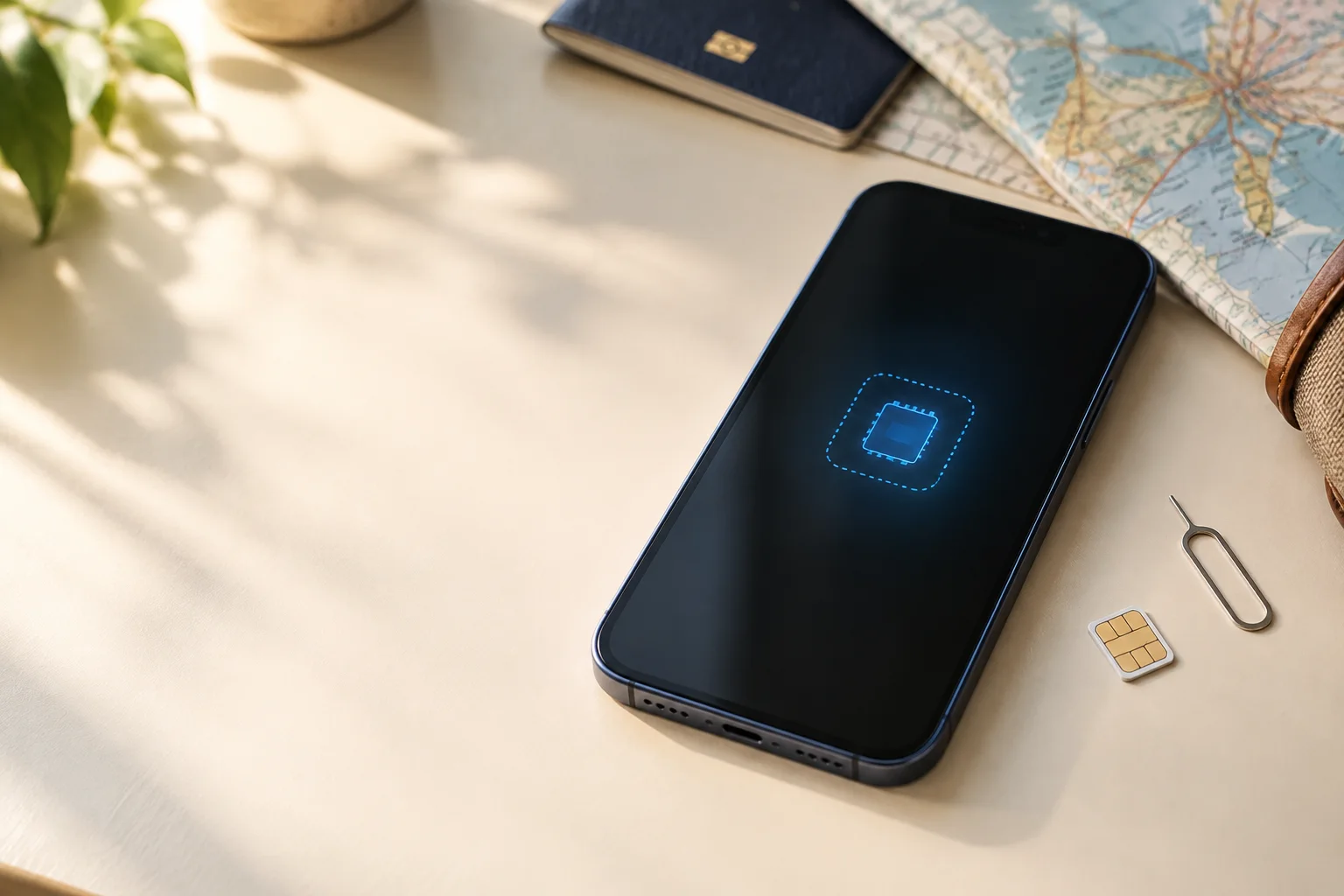
When people ask about eSIM vs physical SIM for travel, they usually want to stay connected without losing their home number or paying for the wrong line. An eSIM is a digital carrier profile downloaded to embedded SIM hardware. A physical SIM is the removable card you insert into a tray. Both connect to a mobile network; the better choice depends on your phone, carrier, destination and tolerance for airport setup.
For a compatible, unlocked phone, an eSIM is usually the more convenient travel option because you can add a destination plan before departure and keep the physical home SIM in place. A physical SIM fits when your phone lacks support, you need a quick spare-phone swap or you want a local card. Neither format guarantees cheaper data, better coverage or freedom from roaming terms.
eSIM vs SIM card: the practical difference
The word “eSIM” describes how a profile is provisioned, not a separate network. A travel eSIM may be a new data plan or a converted home line; a physical SIM can serve either role. Compare the plan first, then the format that gets it onto your phone most reliably.
| Area | eSIM | Physical SIM |
|---|---|---|
| What you handle | A downloadable profile in the phone's embedded SIM hardware. | A removable card in the phone's SIM tray. |
| First setup | Needs a compatible, unlocked phone, internet and a carrier QR code, app or transfer. | Needs the correct card size, tray and carrier activation. |
| Changing plans | Add or switch profiles when the carrier and device allow it. | Insert the new card and store the one you remove. |
| Travel flexibility | Install before takeoff and use alongside a home line on supported dual-SIM phones. | Works in many phones; swap in a local card at arrival or use a spare device. |
| Recovery | May need carrier verification, Wi-Fi and a replacement profile after loss or reset. | Often moves to another compatible phone, but the card can be lost or damaged. |
| Network quality | Depends on the plan, coverage, partner network and phone—not the format. | Depends on the same factors; a card does not strengthen a weak network. |
Going with a travel eSIM? Roamless is a global travel eSIM with pay-as-you-go credits that don’t expire, or fixed data plans. Check the terms for your destination before you buy.
Technology and setup: what actually changes
A physical SIM is a removable smart card that identifies your line to the carrier. It can move between compatible unlocked phones, but you need the right size or an adapter. It is also easy to misplace or damage when you change it at a hotel or airport.
An eSIM uses built-in SIM hardware and downloads the carrier profile. You keep the tray closed and may store several profiles, though limits vary. Installation usually needs Wi-Fi plus a QR code, carrier app or transfer. Downloadable does not mean instant switching: the carrier must support it.
Compatibility has three parts: the exact phone and regional version, carrier eSIM support and unlock status. Software or carrier rules can limit a phone that has eSIM hardware. Before buying, use our eSIM compatibility checklist and check whether your phone is unlocked.
Travel, roaming and operator switching
The biggest travel advantage of an eSIM is less card handling. You can often install a travel profile at home, label it “Trip data” and select it after landing. A regional plan can also be easier across several countries, provided it covers every destination and its validity fits your itinerary.
A physical SIM is familiar and can be fastest when a local operator sells cards at the airport or a shop. It may help when you need a local number for calls or services that do not accept your usual number. The trade-off is the swap: protect the home card, carry the eject tool and check the replacement size.
Neither format automatically eliminates roaming. A travel eSIM may use a local partner network under its own terms, while a local physical SIM may be a direct local subscription. Your home line can still roam if enabled. Before takeoff, check which line needs data roaming, disable home-line data when appropriate and turn off automatic data switching while you test. Our guide to using an eSIM abroad covers those settings without assuming a provider.
Dual-SIM and keeping your home number
For many travelers, the deciding question is not “which SIM is faster?” but “can I keep my normal number while using travel data?” On a compatible dual-SIM phone, often yes: keep the home line for selected calls and SMS, and set the travel line as mobile data. Messages can then arrive at your usual number while maps and apps use the travel plan.
The travel plan may be data-only and calls or SMS on the home line can follow its international terms. Phones also handle two active lines differently. Check the data selector after a restart, keep automatic data switching off while testing and remember that two signal indicators do not prove both lines carry internet traffic.
Messaging apps may keep your account over travel data, but that is different from carrier SMS or a regular call. Test what you rely on, especially banking codes, before leaving.
Security, transfer and recovery
Security is about more than the format
An eSIM cannot usually be pulled from a lost phone and placed straight into another device, removing one simple way a thief could use a physical card. A physical SIM can often be protected with a SIM PIN, while a strong device passcode helps either format. Secure your carrier account, email and recovery methods too: account takeover may allow a replacement eSIM or SIM.
Use the phone's lost-device controls, protect recovery codes and never share QR codes or activation details publicly. An eSIM is not automatically safer, and a physical SIM is not automatically unsafe; account and device controls matter most.
Transfer convenience versus a physical fallback
A physical SIM is a predictable emergency fallback: move it to another compatible unlocked phone and check registration. That helps if your main phone breaks, but not if the spare has a different tray, is locked or lacks compatible bands.
eSIM transfer is tidy when both phones and the carrier support it, but may involve Wi-Fi, verification, an app or a new QR code. Keep the old profile or card active until the new phone can call, receive SMS and use data. For the same home number, follow our physical SIM to eSIM conversion guide; for a platform change, use the iPhone and Android transfer guide. Do not delete an eSIM as a first troubleshooting step.
eSIM vs physical SIM: advantages and disadvantages by traveler
This is the practical way to weigh the physical SIM vs eSIM choice: match the format to the trip and to the person who will have to fix it if something goes wrong.
If you searched for “eSIM vs physical SIM advantages disadvantages”, the short answer is that eSIM usually wins on pre-trip convenience, while a physical SIM can win on quick moves between compatible phones. The table below shows where each trade-off matters.
| Traveler or situation | eSIM tends to fit when… | Physical SIM tends to fit when… |
|---|---|---|
| First trip with a supported phone | You can check support, install over Wi-Fi and test before departure. | You prefer a visible card and local-shop activation. |
| Frequent or multi-country traveler | You want several profiles or a regional plan without opening the tray. | You use a spare phone or buy a local card at each stop. |
| Must receive home SMS | Your dual-SIM phone keeps the home line active while eSIM carries data. | Your phone cannot reliably run the required line combination. |
| Older phone or uncertain support | Only if the exact device and carrier confirm eSIM support. | The safer default when support, unlock status or recovery is unclear. |
| Worried about losing service | You have account access, a backup route and carrier-supported transfer. | You can carry a spare unlocked phone and store the card safely. |
What this means before your flight
Decide while you still have time to recover from a failed activation—not in a taxi leaving the airport. Use this preflight checklist:
- Confirm the exact phone and unlock status. Check the model and regional version, not just the box name.
- Decide what the plan must do. Data-only use, a local number, several countries and home SMS point to different choices.
- Install and label over reliable Wi-Fi. Check when validity starts, then select the intended data line.
- Test before packing. Turn off Wi-Fi, load a page, check the home line if needed and save support details.
- Keep a recovery path. Carry a SIM and eject tool if relevant, or keep eSIM account verification and transfer details available.
If you want the general installation sequence, follow our step-by-step eSIM installation guide. For more device-first answers, browse all eSIM travel guides.
eSIM vs physical SIM on iPhone
For eSIM vs physical SIM on iPhone, check the exact model and market version, carrier lock, and how many lines can stay active at once. The phone can keep a home line for calls or verification texts while a travel eSIM supplies data, but your carrier’s roaming settings still matter. Use Apple’s current device and carrier guidance, then confirm your own plan before changing the default data line.
Keep the working line installed until the travel eSIM connects. If a transfer or conversion is involved, follow the physical-SIM conversion guide; installing a separate travel eSIM is a different action.
eSIM vs physical SIM FAQ
Is an eSIM better than a physical SIM for travel?
An eSIM is often more convenient when your phone is compatible and unlocked because you can add a travel plan without opening the SIM tray. A physical SIM is often the simpler choice for an older phone, a quick swap into a spare device or a local plan that is sold as a card.
Does an eSIM avoid roaming charges abroad?
No. An eSIM is a delivery format, not a roaming policy. A travel eSIM may connect through partner networks under its own terms, while your home line can still incur roaming charges if it uses mobile data, calls or texts abroad.
Can I keep my home number while using a travel eSIM?
Often, yes. On a compatible dual-SIM phone, keep the home line active for the calls or SMS you need and choose the travel eSIM for mobile data. The exact behavior depends on the phone, home carrier and travel plan.
Is an eSIM more secure than a physical SIM?
An eSIM is harder to remove from a lost phone, which can reduce one physical-theft risk, but it is not automatically secure. A device passcode, account protection, SIM PIN where supported and carrier recovery controls still matter.
Is it easier to transfer an eSIM or a physical SIM to another phone?
A physical SIM can often be moved by inserting it into another compatible, unlocked phone. An eSIM transfer may be quick when both phones and the carrier support it, but it can require Wi-Fi, verification, a carrier app or a replacement QR code.
What should I choose if my phone does not support eSIM?
Use a physical SIM or another compatible phone. Check the exact model, regional version and carrier-unlock status before buying a travel plan; an eSIM option on a similar model does not prove that your device supports it.
Bottom line: eSIM is usually the smoother travel format for a supported, unlocked phone that needs a second data line. Physical SIM is the more dependable fallback when compatibility, local activation or quick device swapping matters more. Check the exact phone and plan before your flight.